
Overview
Overview is the page the app opens on once it is set up. It shows the house in use (the one at the foot of the sidebar; see Markets and houses) at a glance.
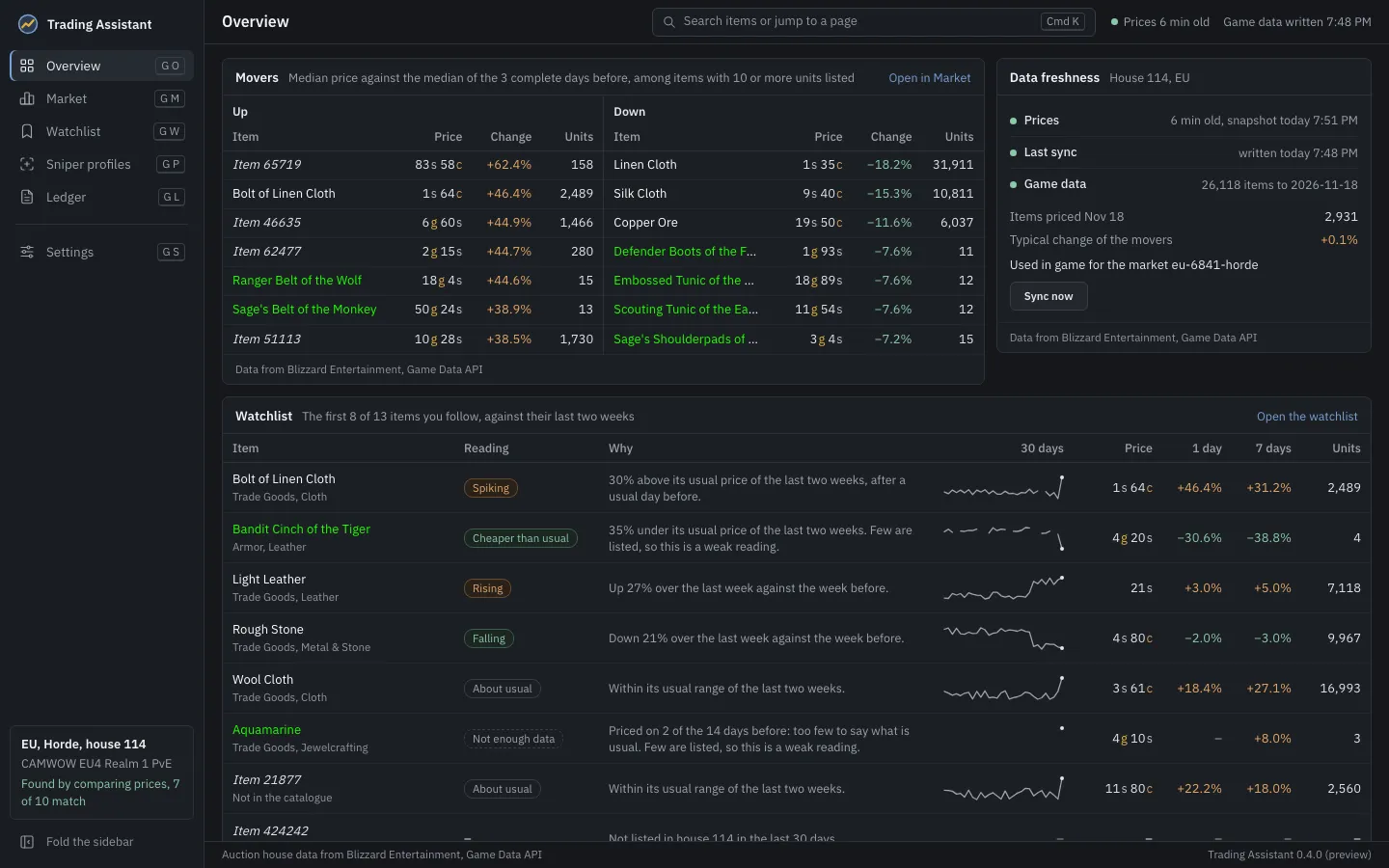
- Needs attention, at the top, only when something stops the app doing its job, each problem with a link to where it is fixed.
- Movers: the items whose price rose or fell most, side by side. Each price is the latest median against the median of the 3 complete days before, among items with 10 or more units listed. A day still filling, and the server’s first day, which is partial, never count as one of those days. Each item opens its item page; Open in Market opens the Market.
- Data freshness: how old the server’s latest snapshot of the house is, when the app last synced the game data, and what the game will read. Sync now syncs at once.
- Watchlist: the first 8 items of your watchlist, each with its reading, and Open the watchlist.
- Your house, Your addon and Game folder: how the house was found, what the addon has given the app (its prices and purchases), and where the game is.
- Bought lately: the last purchases the addon recorded, with the way to the Ledger, shown once there are any.
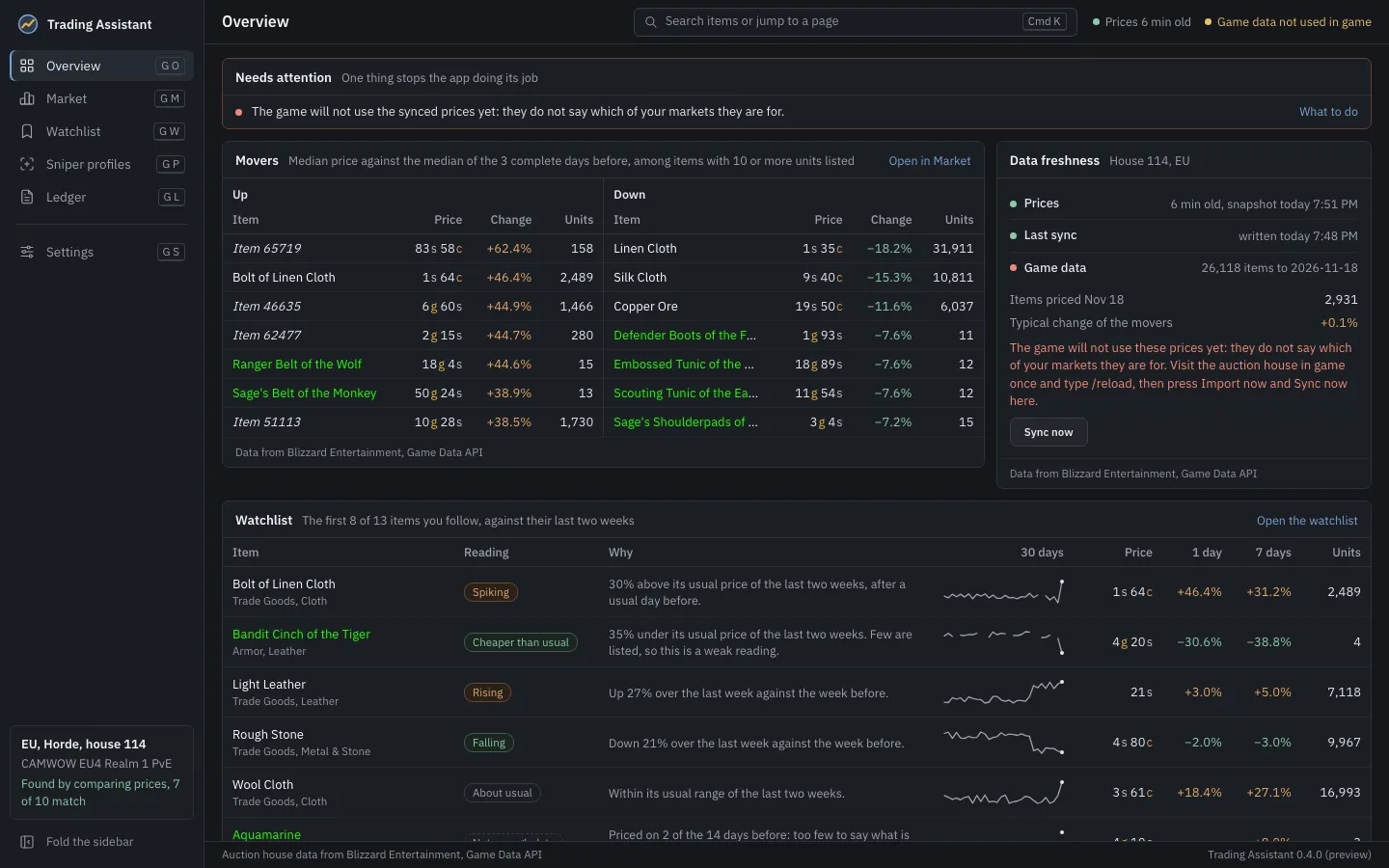
The strip along the top of every page says how fresh the prices are and what the last sync did. It is quiet while all is well and turns amber or red only when something needs you; each fact leads to where it can be dealt with.